 English
  Tiếng Việt
 Satellite technology is no longer unfamiliar to us, especially in satellite positioning (GPS) systems that help track location, routes, and time. However, as technology becomes more common, you can easily track satellites via phone for various purposes such as navigation, tracking athletes, or simply monitoring the satellites orbiting the earth.
In this article, we will guide you on how to track satellites by phone easily and in detail. If you are interested in using is expanding its reach and applications globally. However, despite certain advantages, , satellite data, or are simply curious about active satellites, this article is for you.
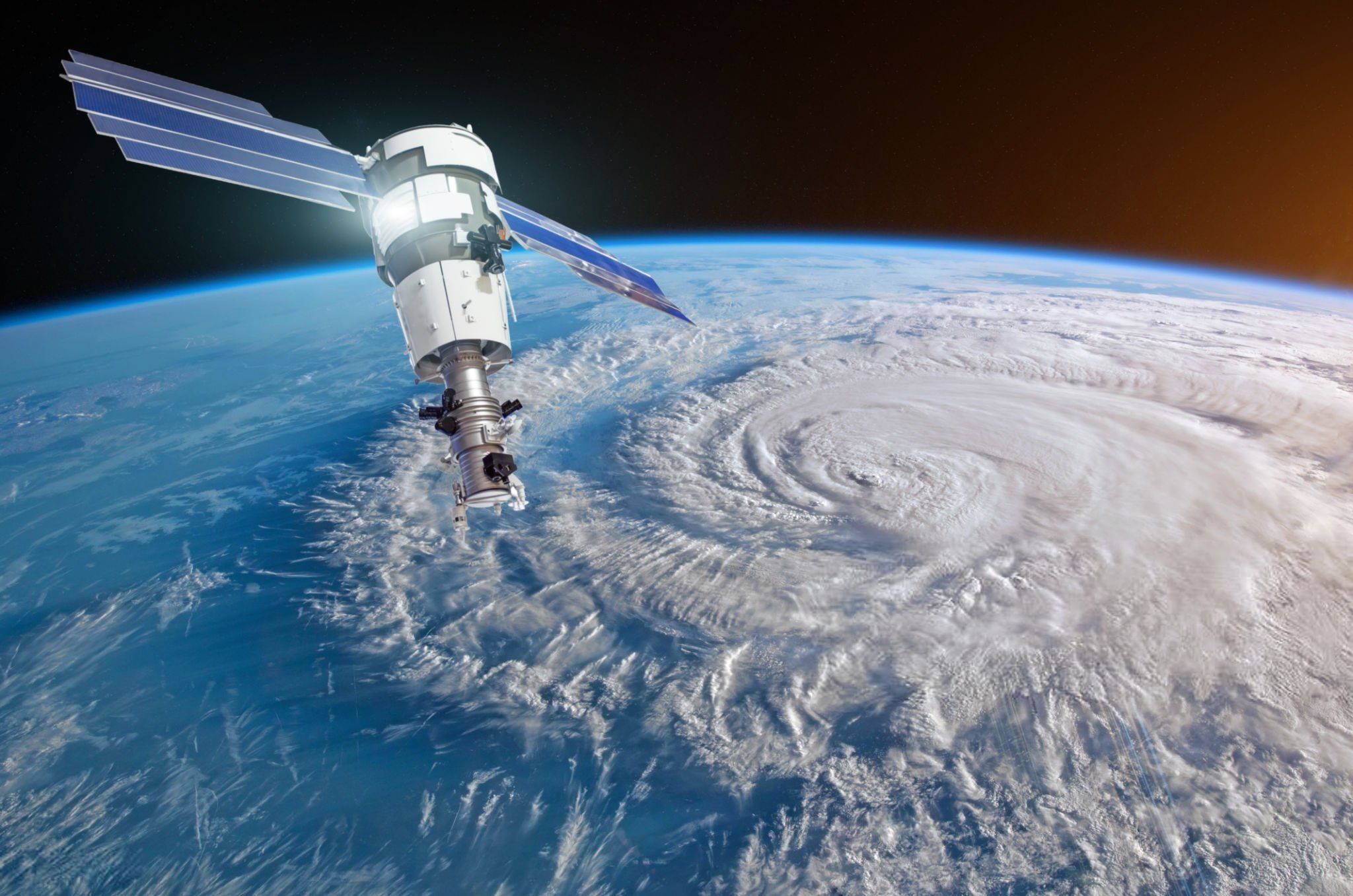
A satellite
1. Why Should You Track Satellites Via Phone?
Satellite Tracking via Phone offers many useful benefits in daily life. Here are some reasons why you should use your phone to track satellites:
- Easy and convenient: You don't need to own expensive equipment to track satellites. With just a smartphone with an Internet connection, you can easily access and track active satellites.
- Diverse applications: You can use your phone to track GPS satellites, meteorological satellites, or space research satellites.
- Improve navigation skills: Using your phone to track satellites helps you better understand their operation, thereby improving your GPS skills in real-world situations.
2. Applications for Tracking Satellites on Your Phone
To track satellites via your phone, you need to install specialized applications. Here are some popular apps that make it easy to track satellites:
a. SatFinder (Android & iOS)
ApplicationsSatFinder application helps you identify satellites in your line of sight and track their orbits. It uses your phone's magnetic sensor to accurately indicate satellite positions.
- Key Features: Real-time satellite search, displaying satellite orbital positions on a map.
- Advantages: Easy to use and intuitive interface.
- How to use: Simply open the app and move your phone around to find satellites within your range.
b. Heavens-Above (Android & iOS)
CelesTrak: Provides data on satellite orbits and space debris, allowing users to track satellites and collision risks. is an app that helps you track satellites like International Space Station (ISS)or project is a prime example of using satellites to bring broadband Internet to remote areas and regions with limited network connectivity., commercial satellites, and even space research satellites.
- Key Features: Provides information on the timing and location of satellites, including special space satellites like the ISS.
- Advantages: Offers detailed information about all types of satellites, including orbital data.
- How to use: Install the app, allow location access, and track satellites near you.
c. GPS Status & Toolbox (Android)
This is a useful app for those who want to track GPS satellites in real-time. GPS Status & Toolbox displays information about GPS satellites and helps you check the signal from satellites to your phone.
- Key Features: Provides data on the signal strength of nearby GPS satellites, displays satellite orbital information.
- Advantages: Easy to check the status of GPS signals and satellite orbits.
- How to use: Open the app and it will automatically scan for the nearest GPS satellites.
d. Star Walk 2 (Android & iOS)
Although Star Walk 2 is primarily an astronomy app, it also provides detailed information about artificial satellites and space objects. This app allows you to easily find and track satellites in the sky.
- Key Features: Displays the positions of satellites on a map, including GPS satellites.
- Advantages: Easy to use and very suitable for astronomy enthusiasts.
- How to use: Use the phone's camera to find satellites in the sky.
3. How to Track Satellites with Your Phone
Here is a step-by-step guide to help you track satellites with your phone:
Step 1: Install a satellite tracking app
- Choose and download one of the apps like SatFinder, CelesTrak: Provides data on satellite orbits and space debris, allowing users to track satellites and collision risks., or GPS Status & Toolbox from your phone's app store.
- Install the app and open it.
Step 2: Grant Location Access (If Required)
- Most satellite tracking apps require access to your phone's GPS location to accurately determine the satellites in your vicinity.
- Make sure you grant location permissions so the app can function correctly.
Step 3: Select a Satellite or Orbit to Track
- Once the app is open, you'll see a map or a satellite tracking interface.
- Choose the satellite you want to track (e.g., GPS, ISS, Starlink, etc.).
- The app will provide detailed information about the satellite's orbit, speed, and position.
Step 4: Monitor Parameters and Updates
- Depending on the app, you'll receive real-time information about the satellite's position, speed, and other parameters.
- Some apps also allow you to set up notifications when a satellite passes over your area.
4. Benefits of Tracking Satellites via Phone
- Convenient and easy to use: With a smartphone, you can track satellites anywhere without specialized equipment.
- Enhanced understanding of technology: Satellite tracking will help you better understand how satellites operate in space and how they interact with GPS, communication, and weather systems.
- Applications in various fields: From tracking satellites in astronomy to optimizing GPS navigation systems, this application is useful for many different purposes.GPS positioning5. Conclusion
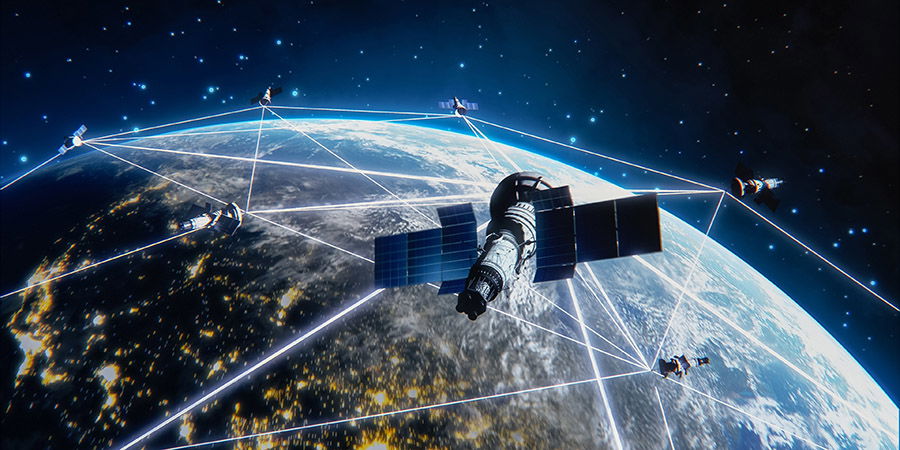
A satellite
5. Conclusion
Satellite Tracking via Phone là một phương pháp đơn giản và hiệu quả để theo dõi các vệ tinh trong không gian. Dù bạn là một người yêu thích thiên văn học hay chỉ đơn giản muốn cải thiện kỹ năng sử dụng GPS, các ứng dụng theo dõi vệ tinh sẽ giúp bạn dễ dàng tiếp cận và sử dụng công nghệ này. Chỉ với một chiếc điện thoại thông minh, bạn có thể dễ dàng theo dõi các vệ tinh và khám phá không gian ngay từ tay mình.