 English
  Tiếng Việt
 Satellite phones have become an indispensable communication tool in emergency situations, especially when you are in remote areas or places without mobile phone signal. However, to optimize the use of your satellite phone, you need to know how to connect it to other devices, such as smartphones, tablets, or GPS devices. This connection not only expands usability but also enhances work efficiency. So, how do you connect a satellite phone to other devices? Let's explore the details in the article below.
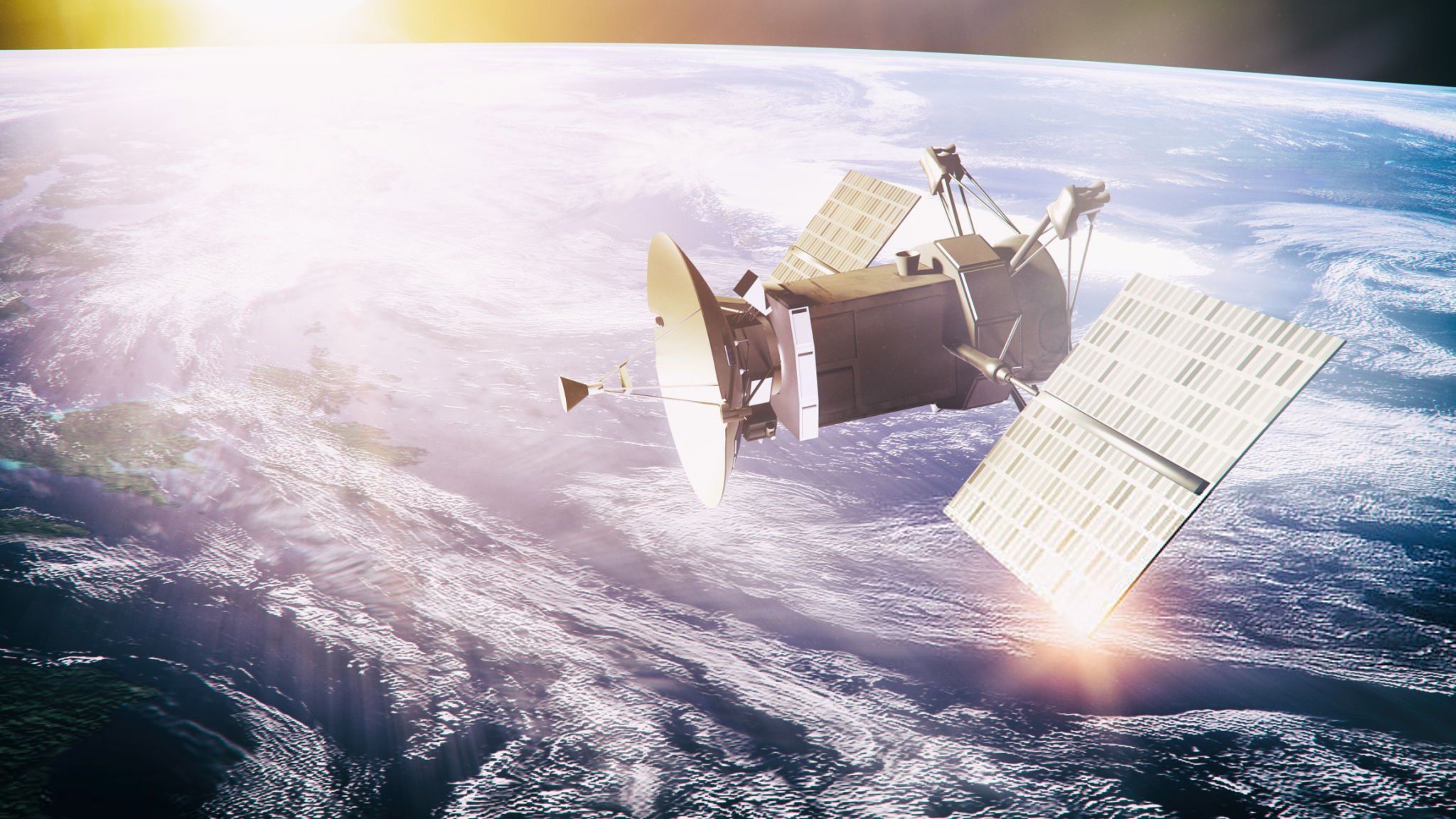
A satellite
1. Connecting a Satellite Phone to a Mobile Phone
One of the most common ways to connect a satellite phone is by using a mobile phone. This will allow you to use smartphone features like messaging, emailing, or calling apps when there is no mobile network signal.
Connection steps:
- Use the accompanying app: Some satellite phones like Iridium, Thuraya, and Inmarsat provide their own mobile apps to connect the device to your phone. Simply download this app from Google Play or the App Store and connect to the satellite phone via Bluetooth or USB port.
- Bluetooth connection: Satellite phones that support Bluetooth can easily connect to mobile phones without cables. Once successfully connected, you can use your phone to make calls or send messages through the satellite phone.
- USB cable or data port: If your satellite phone does not support Bluetooth, you can connect the device via a USB port or data port. This connection allows you to use the satellite phone as a “modem” to transmit data from your phone.
2. Connecting a Satellite Phone to a Tablet or Laptop
If you need to use a satellite phone to send and receive emails, access the internet, or use work applications on a tablet or laptop, you will need a stable connection between the satellite phone and your device.
Connection steps:
- Using a USB port: Some satellite phones offer a USB port for direct connection to a tablet or laptop. After connecting, your computer can use the satellite phone as an internet modem.
- Connection via computer application: Similar to mobile phones, some satellite phone service providers offer computer software to connect to the satellite phone. Simply install the software and connect via USB port or Bluetooth.
- Data port for transmission: Satellite phones can also connect to computers via data ports, supporting the transmission of large amounts of data or long-term communication.
3. Connecting Satellite Phones with GPS Devices
When traveling through areas without mobile networks, connecting a satellite phone to a GPS device is an excellent option, helping you to accurately pinpoint your location and report it when necessary.
Connection steps:
- Using Bluetooth: Some satellite phones can connect to GPS devices via Bluetooth, allowing you to send your location information through the satellite phone. You can share this information with control stations or rescue teams when needed.
- Data port or USB: If your satellite phone does not support Bluetooth, you can connect via a data port or USB. This connection allows you to use the satellite phone to report your location when traveling in hard-to-reach areas.
4. Connecting Satellite Phones with Other Devices
In addition to mobile devices, tablets, and GPS devices, satellite phones can also connect with many other devices, including:
- Emergency Position Indicating Radio Beacons (EPIRB): Satellite phones can connect with EPIRBs to send SOS signals in dangerous situations.
- Measurement instruments: In industries like oil and gas, satellite phones can connect with measurement instruments, supporting monitoring and surveillance.
- Computers on ships or aircraft: Satellite phones can connect to computer systems on ships or aircraft to track and exchange data about weather, itineraries, or vehicle status.
5. Notes When Connecting Satellite Phones with Other Devices
- Ensure compatibility: Before connecting, you need to check if your satellite phone and device are compatible with each other, especially when using wireless connections like Bluetooth.
- Update Software: Some satellite radios require you to install software or update the latest software to ensure a stable connection with other devices.
- Check coverage: Satellite radios can only connect when there is a signal from the satellite. Therefore, you need to ensure that you are in an area where you can receive satellite signals to make a connection.
A satellite
Conclusion
Connecting satellite radios to other devices not only helps expand the usability of the device but also creates a flexible and efficient communication system in necessary situations. By using Bluetooth, USB ports, or supporting software, you can easily connect satellite radios to mobile phones, tablets, laptops, GPS, and many other devices to ensure continuous and safe communication in all circumstances.