 English
  Tiếng Việt
 Satellite phones are important communication devices in areas without mobile signal, especially when you travel to remote, hard-to-reach areas such as exploration areas, adventure tourism, or in emergency situations. However, if you are a beginner, getting acquainted with and using a satellite phone may confuse you. This article will guide you on how to use a satellite phone most effectively.
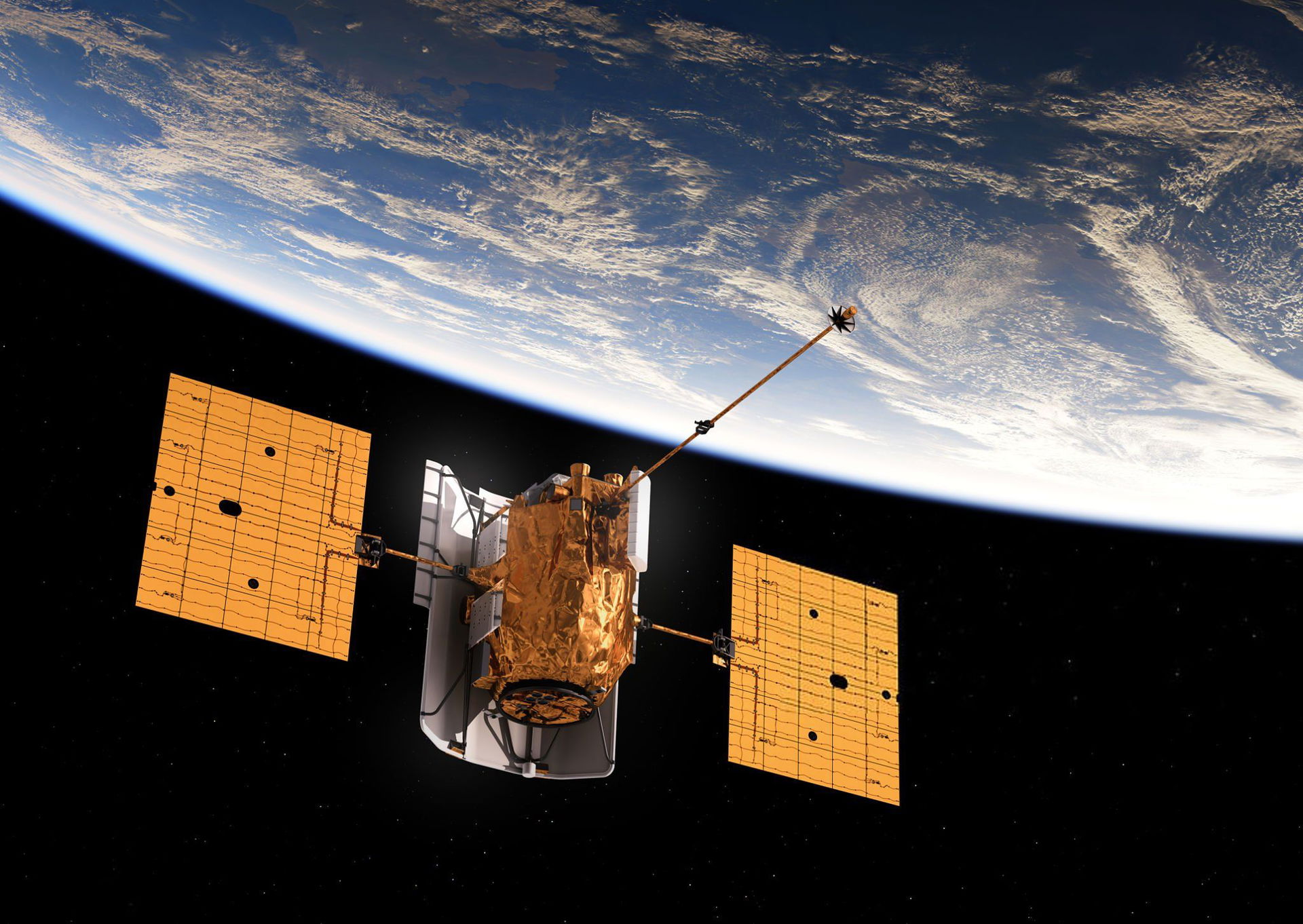
A satellite
1. What is a Satellite Phone?
Before going into detail on how to use it, we need to understand what a satellite phone is. It is a communication device that operates via satellite signals, allowing users to stay in touch everywhere, even without a mobile network. Satellite phones are widely used in activities such as rescue, exploration, maritime, or outdoor adventures.
2. Main Parts of a Satellite Phone
A satellite phone typically has the following basic components:
- Display:Displays necessary information such as signal status, battery, or dialed numbers.
- Buttons:Buttons allow you to make calls, send messages, adjust volume, and perform other operations.
- Ports:Used for charging the battery or connecting to other devices.
- Antenna:Used to receive and transmit signals from satellites.
- Battery:Provides power to the device, often removable for replacement.
3. How to Use a Satellite Phone
Step 1: Turn on the Satellite Phone
To start using the satellite phone, you need to turn on the device. Typically, you just need to press and hold the power button until the screen lights up and the indicator lights turn on. If the phone has a removable battery, make sure the battery is installed correctly.
Step 2: Find Satellite Signal
Satellite phones work through signals from satellites, so before using, you need to ensure the device has a signal. When you turn on the satellite phone, you will see a signal icon (usually three wave bars) on the screen. If the signal is weak or nonexistent, move to an open area that is not obstructed by obstacles like mountains or buildings.
Step 3: Make a Call
To make a call, simply dial the phone number and press the call button. Some satellite phones can make calls to regular mobile numbers, while others only support messaging or emergency calls. Refer to the manufacturer's manual for details on the calling features of the satellite phone you are using.
Step 4: Send a Message
In addition to calls, satellite phones also support sending text messages. To send a message, simply enter the recipient's phone number or email address, compose the message, and press send. However, sending messages via satellite phone may take some time, as the signal has to travel through a satellite.
Step 5: Turn Off the Satellite Phone
After use, you need to turn off the satellite phone to save battery. Just press and hold the power button until the device completely shuts down. If your device uses a removable battery, make sure you fully charge the battery before using it again next time.
4. Some Notes When Using a Satellite Phone
- Check signal: Before using a satellite phone, make sure you are in an area with a strong satellite signal.
- Battery: Always check the battery level before going out. Bring a charger or a spare battery if you plan to use the satellite phone for an extended period.
- Device care: Avoid exposing the satellite phone to water, dirt, or extreme temperatures. Use a protective case to keep the device in good condition.
- Follow regulations: In some countries, the use of satellite phones may be restricted or require a special license. Research the legal regulations before use.
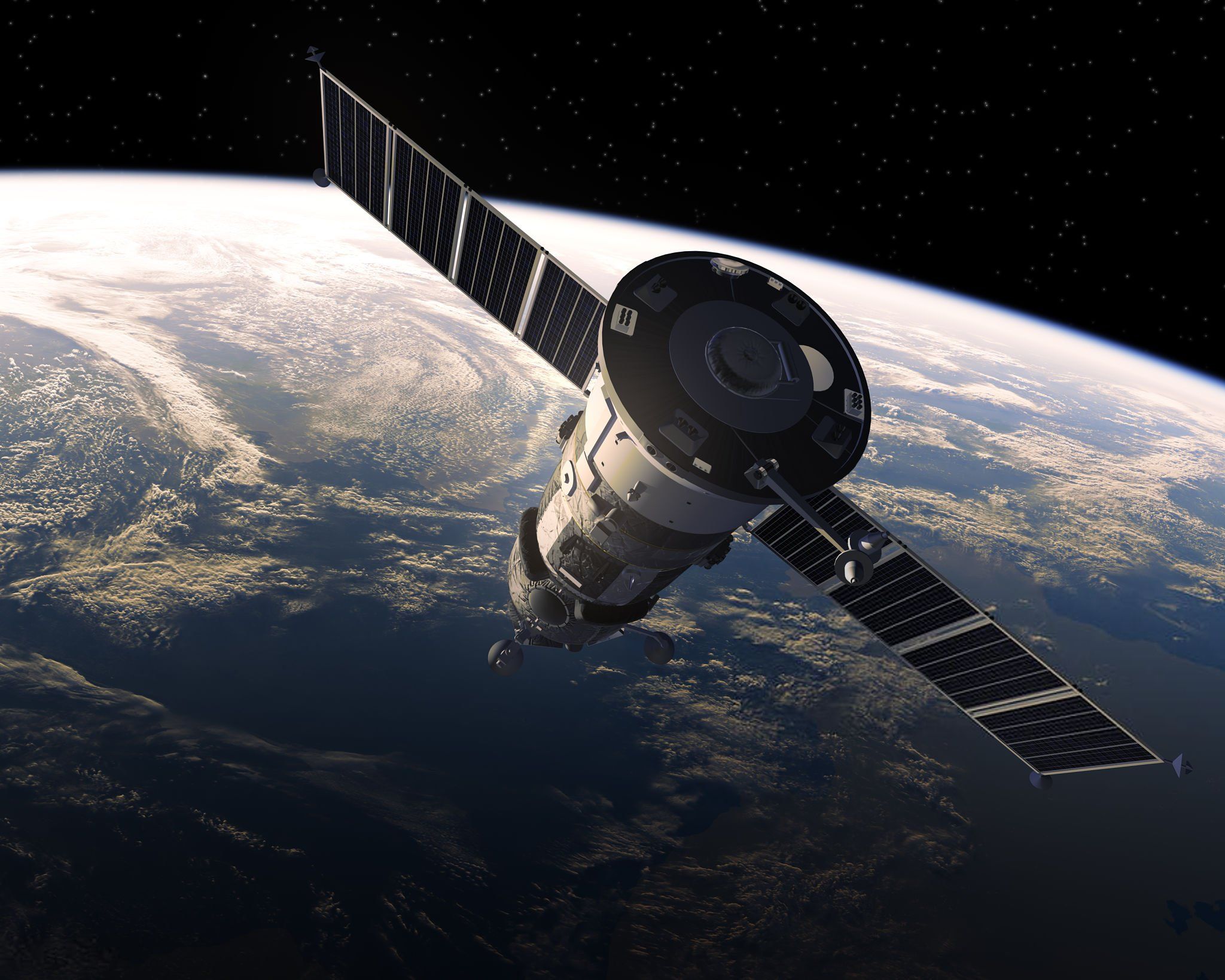
A satellite
5. Conclusion
Using a satellite phone is not overly complicated, but you need to familiarize yourself with the basic features of the device. With simple steps such as turning on the device, finding the satellite signal, making calls, or sending messages, you can easily maintain communication in emergency situations or when in areas without cellular service. We wish you effective and safe use of your satellite phone!