
 English
 Tiếng Việt
Does a Satellite Hotspot Affect Internet Speed? The Clearest Answer
When using satellite internet, many people worry that sharing the network via satellite hotspot may reduce access speed. Especially for those who use it for remote work, video calls, live streaming, or accessing large amounts of data – stable speed is a crucial factor.
. So, does a satellite hotspot actually slow down the internet? Does it affect the user experience? Let's find out below!
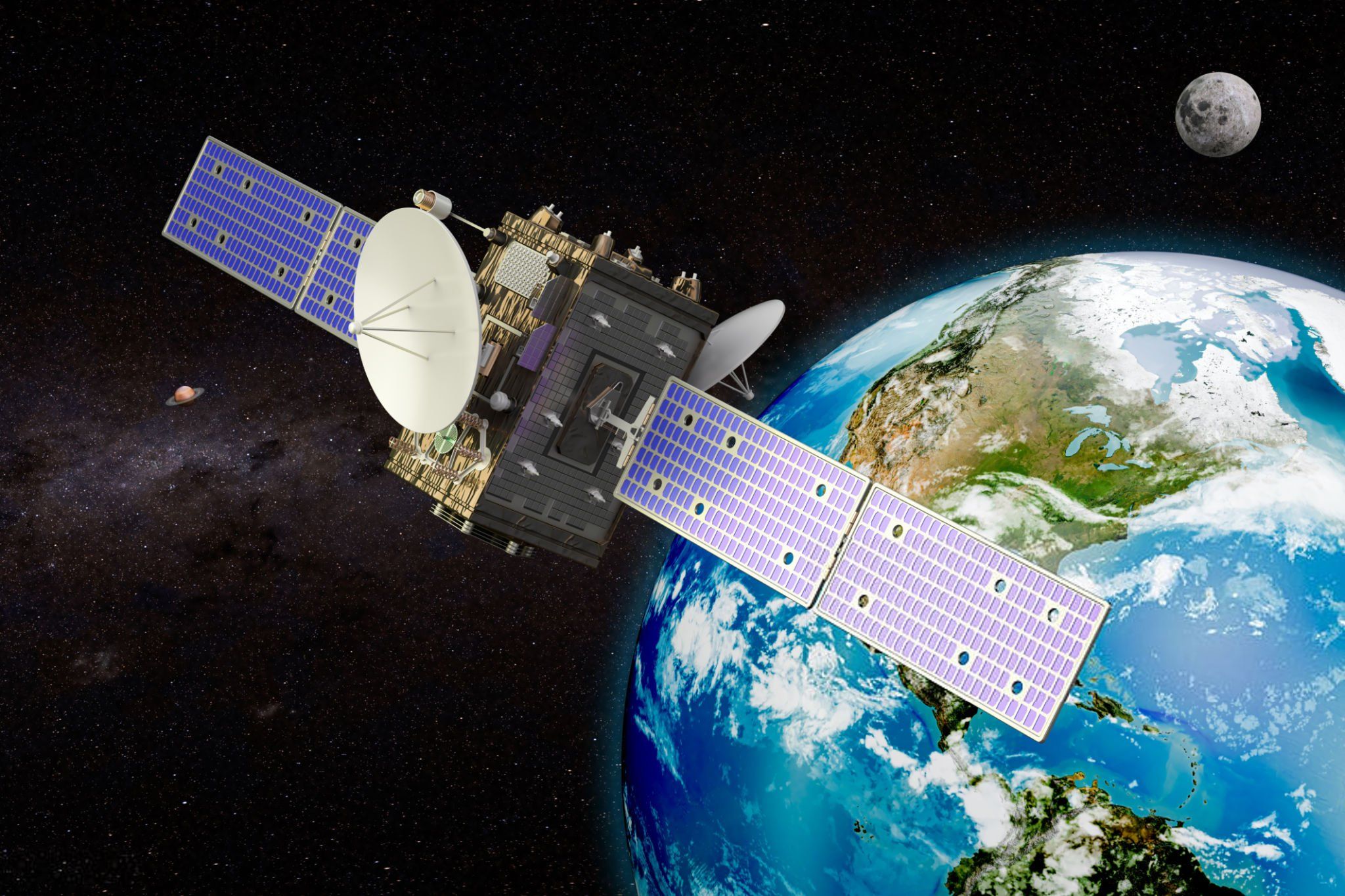
1. What is a Satellite Hotspot?
A satellite hotspot
is a device that connects to the internet via satellite and then broadcasts WiFi for other devices such as phones, laptops, tablets, etc. to use.
Starlink RoamStarlink Roam
Iridium GO! execIridium GO! exec
Bivy Stick: messaging, GPS, compact, long battery life
2. Will Satellite Hotspots Slow Down Internet Speed?
✅ Answer: YES – but not significantly, if used correctly
Here are the factors affecting Internet speed when using a satellite hotspot:
| Influencing Factors | Explanation |
|---|---|
| Number of connected devices | More devices accessing simultaneously → speed is divided |
| Distance between the device and the hotspot | Further away → weaker WiFi signal, reduced access speed |
| Satellite signal quality | Installation location with obstructed sky view → signal degradation |
| Device type and subscription plan | Each device has its own maximum speed, and the subscription plan also has limits |
3. Compare Actual Speeds of Some Popular Satellite Hotspots
| Device | Average speed | Maximum connection | Suitable for |
|---|---|---|---|
| Starlink Roam | 50 – 150 Mbps | 20 – 30 devices | Mobile office, livestreaming |
| Iridium GO! exec | 88 – 176 Kbps (email, VoIP) | 5 – 7 devices | Send email, VoIP calls, tracking |
| Bivy Stick | No WiFi broadcast – use via app | 1 device | Messaging, personal tracking |
???? So, hotspot is not the main factor causing slow internet – but rather how you use the device and the operating environment.
4. How to Optimize Speed When Using Satellite Hotspot
✅ Choose an open installation location – unobstructed (bầu trời mở, không có cây/tòa nhà cản trở)
✅ Limit the number of devices accessing simultaneously (đặc biệt khi livestream hoặc họp video)
✅ Turn off unnecessary background applications trên thiết bị (tránh ngốn băng thông)
✅ Prioritize unlimited or high-capacity plans, avoid bandwidth throttling after exceeding the limit
✅ Choose a device suitable for the purpose: Voice call → Iridium GO! exec, livestream → Starlink Roam
5. Conclusion: Satellite Hotspot Affects Speed, But It's Entirely Controllable
Using satellite hotspot correctly will not significantly affect Internet speed. Conversely, this device also helps you:
Connect to WiFi anytime, anywhere – no 4G signal needed
Share Internet for multiple devices when on business trips, traveling, or surveying
Be proactive in communication, work, and emergency response
???? The important thing is you choose the right device – the right environment – the right needs, satellite hotspot will become a powerful technology assistant.
???? Need Advice on Choosing a Suitable Satellite Hotspot Device?
Contact Net Satellite immediately – Specializing in genuine satellite connection devices, on-site technical support:
???? Hotline: 0979 866 005
???? Website: 🌐 Website:
✅ Nationwide delivery – ✅ Detailed user guide – ✅ Genuine warranty