
 English
  Tiếng Việt
 Làm Thế Nào Để Sử dụng Bộ Phát WiFi Vệ Tinh Khi Không Có Mạng Di Động?
Are you in the middle of a barren desert, on a boat in the middle of the ocean, or deep in an uninhabited forest, where cellular service is just a distant memory? Don't worry, a satellite WiFi hotspot is your "savior" to connect with the world without needing 4G/5G signal. But how do you use it smoothly? Let's explore each detailed step to make this device your reliable "companion"!
Bộ Phát WiFi Vệ Tinh Là Gì?
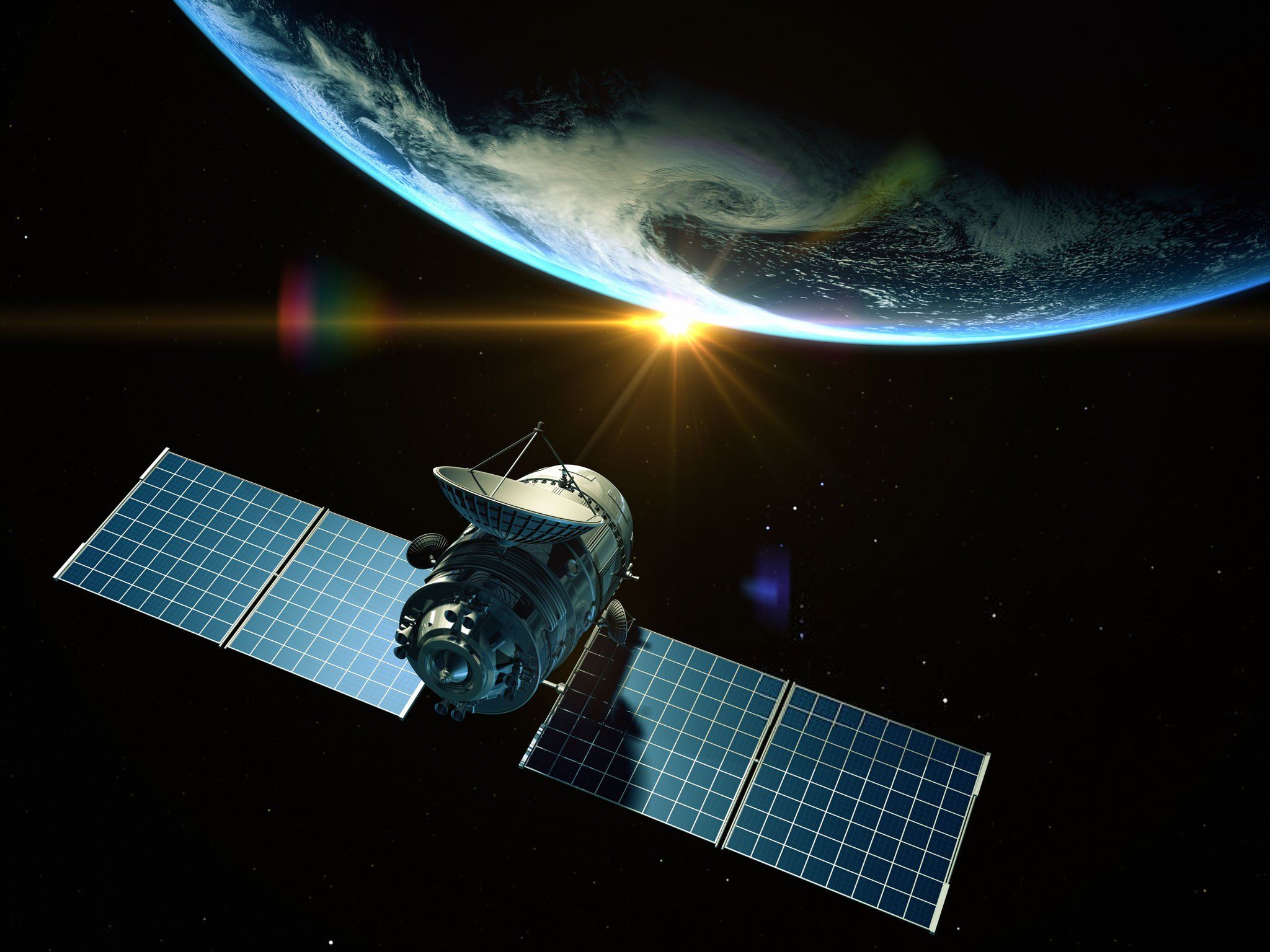
A satellite
First, let's understand the "main character". A satellite WiFi hotspot is a device that receives internet signals from satellites in orbit, then re-emits them as WiFi for your phone, laptop, or any device you have. Unlike mobile routers that depend on signal towers, satellite WiFi "plays big" by operating independently, needing only a clear sky!
Những Gì Bạn Cần Chuẩn Bị?
To get started, make sure you have all the "toys":
- Satellite Equipment: Such as Starlink (antenna + router), Iridium GO!, or HughesNet/Viasat. Prices range from a few million to tens of millions VND, depending on the type.
- Power Source: Most devices require a power source (built-in battery or adapter). If you're in the wilderness, bringing a power bank or solar panel is the "true love".
- Service Plan: Subscribe in advance with the provider (Starlink, Iridium, etc.) to activate the connection – no plan means "fail"!
- Clear Space: The antenna needs to point towards the sky, avoiding trees, high mountains, or obstructing buildings.
Hướng Dẫn Sử Dụng: Dễ Như Ăn Kẹo!
Even if you're not a "techie", just follow these steps and you'll be "online" in no time:
- Install Equipment:
- project is a prime example of using satellites to bring broadband Internet to remote areas and regions with limited network connectivity.: Position the dish in a clear location, plug in the power, and connect it to the included router. The Starlink app on your phone will guide you to align the dish for the best signal.
- Iridium GO! : Remove the anten cover, turn on the power, and wait for the indicator light to turn on. The device will automatically search for satellites.
- HughesNet/Viasat : Install the fixed dish (may require a technician if rented), connect it to the modem.
- Activate Service:
- Before you leave, ensure you have activated your service plan via the provider's website or hotline. For example, Starlink requires an active account, and Iridium requires a funded satellite SIM card.
- Connect to WiFi:
- After the dish acquires a signal (usually takes 5-15 minutes), the device will broadcast WiFi. Open the WiFi list on your phone/laptop, select the network (e.g., 'Starlink_XXXX'), and enter the password (usually written on the router or in the manual).
- Check Signal:
- Speed and stability depend on your location. If the signal is weak, try adjusting the dish or moving to a more open area. The provider's app (like the Starlink app) will help you accurately
Mẹo Để Sử Dụng Hiệu Quả Hơn
- Energy Saving: Turn off the device when not in use to save battery, especially when there is no electricity.
- Avoid Bad Weather: Heavy rain, storms, or thick clouds can cause intermittent signals – shield the antenna if necessary.
- Manage Data Usage: Satellite plans often have data limits (e.g., HughesNet 100GB/month). Watching 4K movies or downloading large files will consume data quickly – prioritize important tasks.
- Bring Accessories: Long cables, antenna mounts, or portable power banks can save you in difficult situations.
Important Notes
- Cost: Devices like Starlink cost around $599 (VND 15 million) + $50-$120/month (VND 1.2-3 million). Expensive, but worth it if you need internet "anytime, anywhere".
- Speed: Not as fast as 5G (Starlink reaches 20-150 Mbps), but enough for web browsing, video calls, or basic work.
- Latency: With Starlink it's 20-40ms, while others like HughesNet can reach 500-1500ms – online gaming might be a bit "tricky".
When to Use Satellite WiFi?

Network connectivity
This is the "secret weapon" when you:
- Camping, mountaineering, or yachting in areas without mobile signal.
- Working remotely in remote areas.
- Need emergency communication during natural disasters or widespread network outages.
If you're just picnicking near the city, a cheaper 4G router is still a "good-value" option.
Conclusion: Connect Anywhere, Easy As Pie!
Using a satellite WiFi hotspot when there's no mobile network isn't complicated – just prepare the equipment, install it correctly, and be a little patient, and you'll be "online" in the wilderness. Although the cost isn't cheap, the feeling of "catching cosmic waves" in a "deserted" place will surely make you "extremely excited". Are you ready to try? Share your experiences or questions in the comments below!