 English
  Tiếng Việt
 How to Use a Satellite Phone in Weak Signal Areas: Secrets to Connecting Anytime, Anywhere
During emergencies or explorations in remote areas, a satellite phone is a "lifeline" for staying connected. But what happens when the signal is weak – obstructed by mountains, dense forests, or bad weather? Don't worry, this article will guide you step-by-step on how to use a satellite phone effectively in the toughest areas, along with practical tips to optimize your connection. Let's find out!
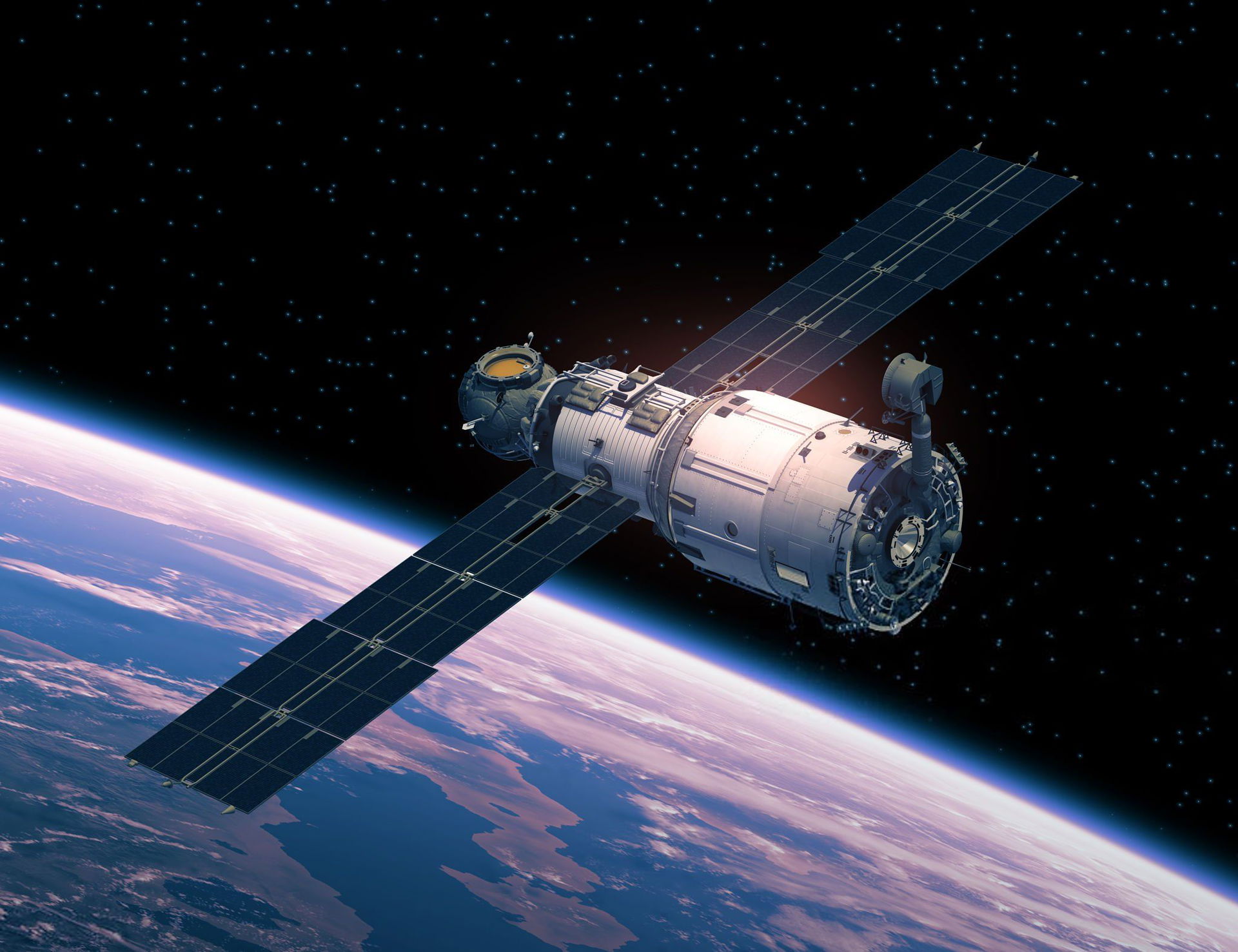
A satellite
1. Understand the "Enemies" of Satellite Signals
First, you need to know why the signal is weak:
- Terrain: High mountains, dense forests, or canyons can obstruct the signal path to the satellite.
- Weather: Heavy rain, thick clouds, or blizzards can degrade signal quality.
- Satellite Position: A low or fast-moving satellite can affect the connection.
Understanding these factors will help you prepare better and choose the right approach.
2. Choose the Right Satellite Phone
Not all satellite phones perform well in weak signal areas. Here's what to look for when choosing a device:
- Strong Antenna: Opt for models with foldable or amplified antennas for better signal reception.
- Auto Signal Finding: Modern models (like the 2025) feature an auto-signal search mode – extremely useful when the signal is intermittent.
- Wide Coverage: Prioritize devices with extensive coverage, suitable for remote locations.
A good satellite phone is the foundation for overcoming low signal challenges.
3. Signal Boosting Techniques in Weak Areas
Here are some practical tips to improve your connection:
Find an Open Location
Satellite phones need a clear "view" of the sky. Avoid standing under tree canopies, near cliffs, or tall buildings. Climb a hill, go to an open field, or a riverbank – places without obstructions. Just a few meters of repositioning can "resurrect" the signal!
Keep Distance from Your Body
Your body, bag, or thick clothing can block signals. When using, hold the phone away from you, hold it up high for unobstructed signal transmission. Don't unintentionally become a "shield" for the device!
Point the Antenna Towards the Sky
The antenna is the "bridge" to the satellite. Set it upright or adjust it according to the instructions (usually in the manual). Rotate it gently until the signal bars increase – patience is key!
Switch to Manual Mode
If automatic mode is not effective, try searching for signals manually (if your device supports it). Adjust the search range or change the angle to catch the strongest satellite.
Use a Signal Booster
Some signal booster accessories can be a "lifesaver" in extremely weak signal areas. Attach these devices to enhance reception and transmission – a solution worth trying if you frequently venture into remote locations.
4. Update Software Regularly
Old firmware can make the walkie-talkie sluggish. Before you leave, connect to a computer or the manufacturer's app to update to the latest version. Upgrades often improve signal reception and overall performance.
5. Assess the Environment Before Use
Bad weather like heavy rain, fog, or storms can cause intermittent signals. Check the forecast first – if possible, wait for clear skies to use your walkie-talkie more effectively. Don't let Mother Nature get the best of you!
6. Choose the Golden Moment
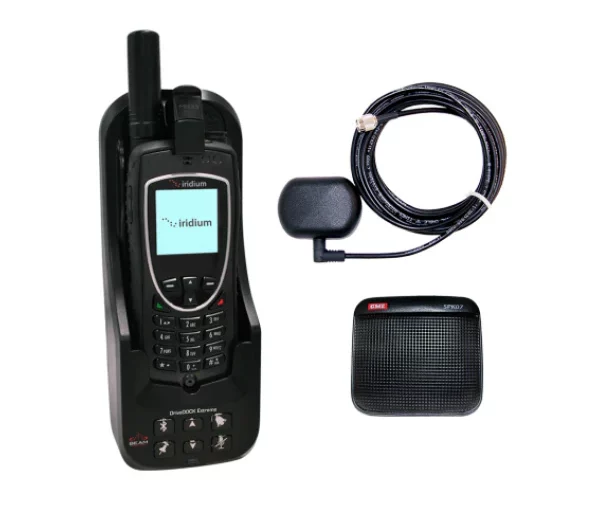
Satellite phones
Non-fixed satellites – sometimes strong, sometimes weak depending on location. If the signal is weak, try again in a few minutes or hours, when the satellite is at a higher angle. Some satellite applications (like Satellite Tracker) can help you choose the best time.
Conclusion: Connection Is No Longer A Challenge
Using a satellite walkie-talkie in a weak signal area isn't an
Have you ever encountered a weak signal situation? Which tip in the article helped you the most? Share your experiences and spread the word so everyone can learn these tricks!