 English
  Tiếng Việt
 📡 How to Fix Satellite Phone Signal Loss (Standard 2025)
Bộ đàm vệ tinh là thiết bị liên lạc “cứu cánh” khi không có sóng di động. Tuy nhiên, trong quá trình sử dụng, signal loss vẫn có thể xảy ra do nhiều nguyên nhân.
👉 So when this problem occurs, how should it be handled?
Let's explore 5 simple steps to restore satellite phone signal nhanh chóng và hiệu quả!
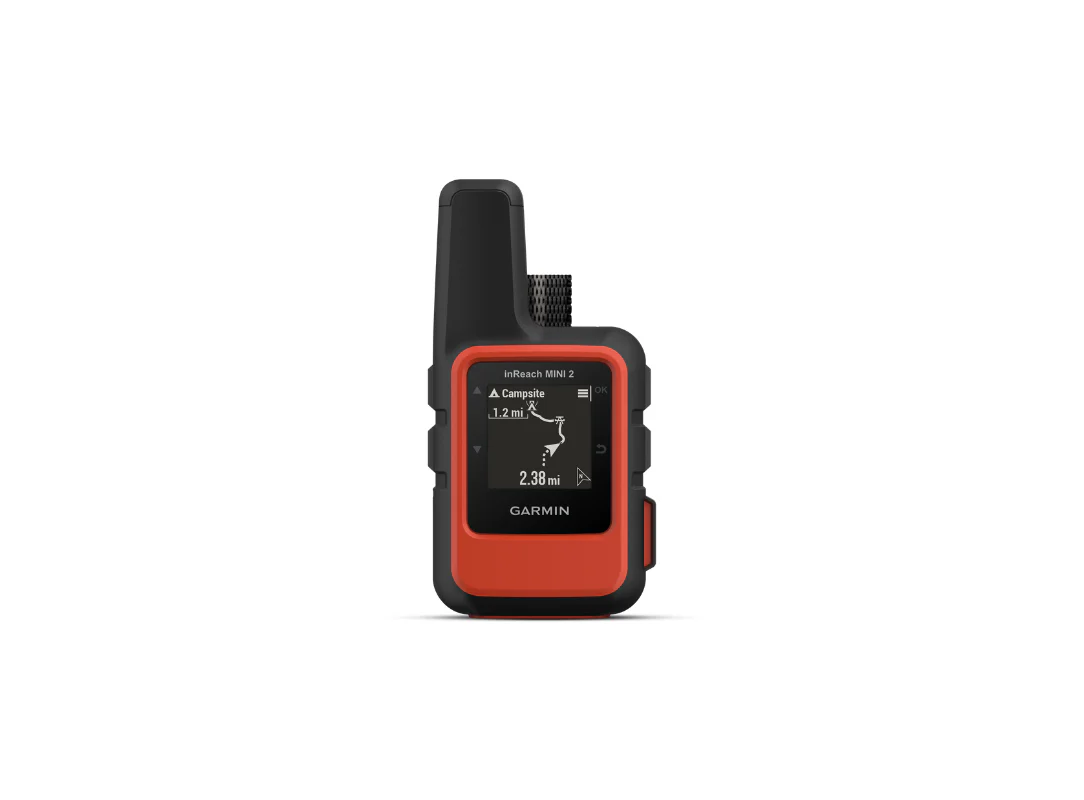
Satellite phones
✅ 1. Check the Device Placement Location
📍 The most common cause là bộ đàm bị chắn bởi vật cản hoặc đặt sai hướng.
How to fix:
-
Di chuyển thiết bị ra khu vực open, with few tall buildings or dense forests
-
Point the antenna towards the sky để dễ kết nối vệ tinh
-
Tránh sử dụng bộ đàm trong closed carcaves or enclosed rooms
🌧️ 2. Check the Surrounding Weather
☁️ Thick clouds, rainstorms, heavy snow all affect satellite signal reception.
How to fix:
-
Tạm stop communicating nếu thời tiết xấu – chờ ổn định rồi thử lại
-
Nếu có thể, move to a higher place để tăng khả năng kết nối
-
Limit use in hurricane or tropical depression areas
🔋 3. Check Device Battery
⚠️ Nhiều người dùng quên rằng low battery can also cause signal loss.
How to fix:
-
Ensure the battery has enough capacity to transmit
-
If the battery is low, the device will switch to power saving mode, reducing connection capabilities
-
It is recommended to bring a spare battery or power bank when traveling far
🛠️ 4. Hardware Check
🧩 Some cases of signal loss are due to antenna damage or internal hardware failure
How to fix:
-
Check if the antenna is broken, bent, or loose
-
Try powering off – restarting the device
-
If you still cannot connect, it is recommended to take it for in-depth inspection at a technical center
🔧 5. Software Update and Configuration Check
🖥️ With modern satellite radio devices (such as Iridium, Thuraya…), software plays an important role in maintaining the connection.
How to fix:
-
Kiểm tra xem thiết bị đã have you updated to the latest firmware
-
Reset network settings or contact group if you are using Push-to-Talk feature
-
Contact your provider for technical support if needed
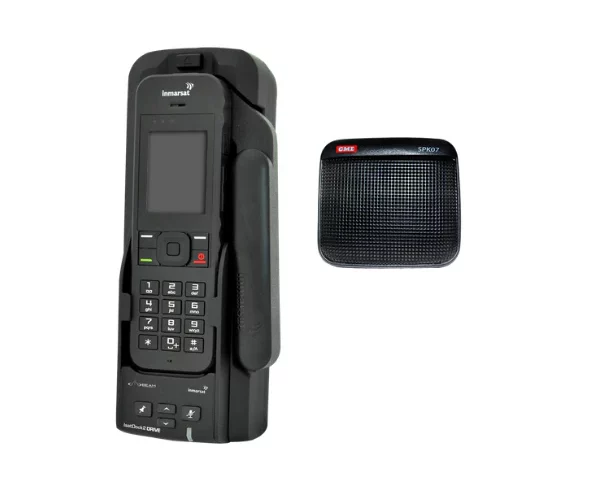
Satellite phones
🎯 When to Call a Technician?
If you have tried all the above steps and the device still has no signal, you should:
-
Liên hệ nơi mua để warranty or error check
-
Yêu cầu technical support from the manufacturer or authorized center
-
Do not disassemble the device without expertise
✅ Conclusion
| Causes of signal loss | Quick solution |
|---|---|
| Obstructed location | Move to a ventilated area |
| Bad weather | Wait for stable weather |
| Low battery | Fully charge or replace the battery |
| Hardware failure | Check the antenna, restart |
| Software error | Update and check configuration |